
Squad Chats That Close Themselves
A chat per match that opens when you name the squad and shuts when the match is over.
For clubs tired of a permanent WhatsApp group that outlives every squad it was made for.

Who this is for
- Managers who need to reach the fourteen players actually involved.
- Clubs that want match chat separated from club announcements.
- Coaches who would rather not run a group chat forever.
Before you start
- A fixture in the calendar.
- A squad picked for it.
- Players with the app, or with an email address.
Walkthrough
Step by step.
- 01
Publish a squad and the chat opens itself
You do not create a squad chat. Name your squad for a match, publish it, and the chat exists — with exactly the players you picked in it, plus your staff.
That is the whole idea. The membership of a match chat is a question that has already been answered by the squad sheet, so asking it again is work nobody needs to do.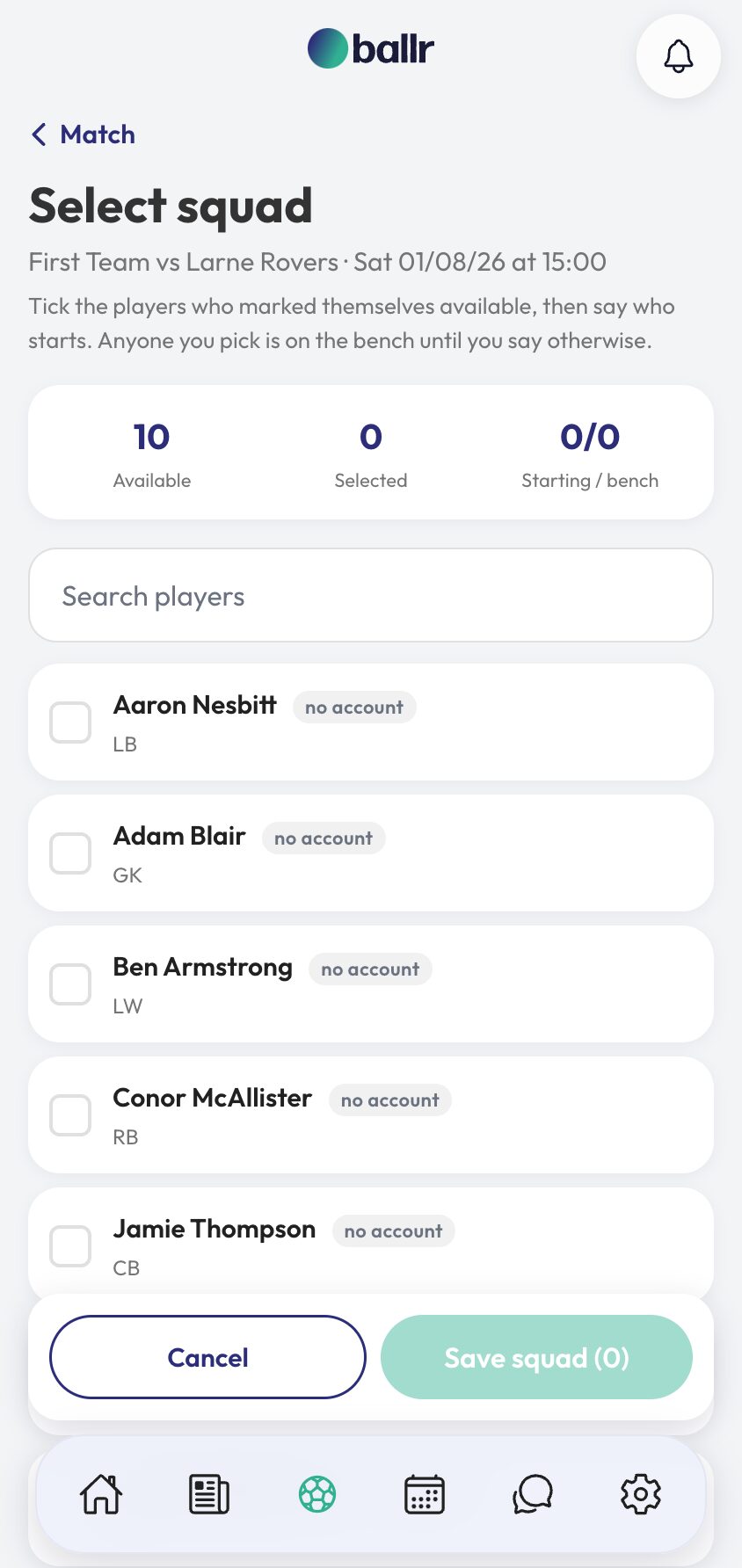
- 02
Use it for the match, not for everything
The chat header carries the fixture, the venue and the kick-off, with quick links to the match, the squad and the lineup — so the details people ask for are already there before anybody asks.
Post the meeting time, the parking, the pitch inspection. Players reply, react and send photos. It is a group chat; it just happens to know what match it is about.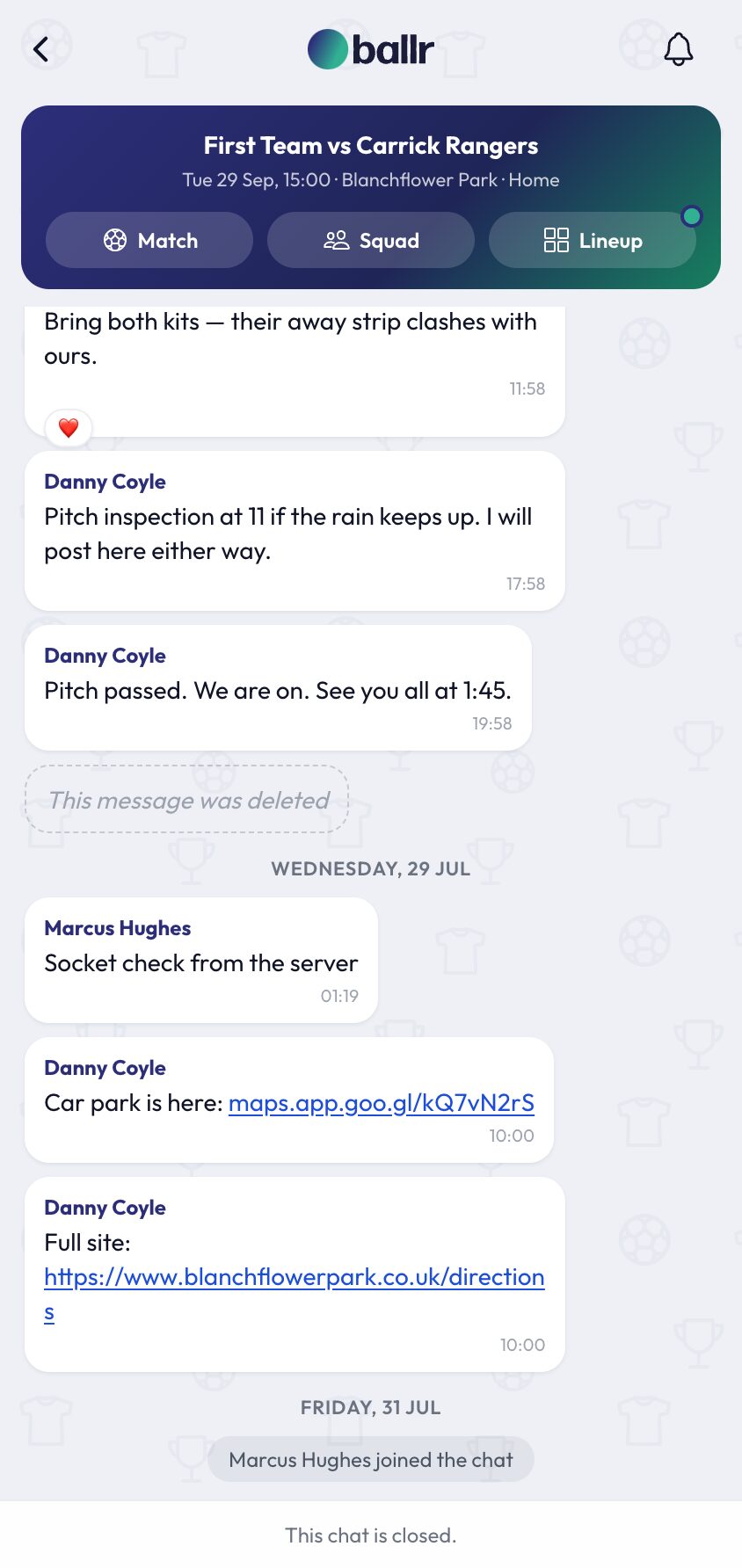
- 03
Let it close
After the match the chat closes. Nobody can post, and it stops appearing as somewhere to check. The Tuesday conversation about last Saturday's parking has no reason to still be live in November.
Closed chats stay readable for a while and are then removed. The screen tells you how long each one has left, so nothing disappears without warning.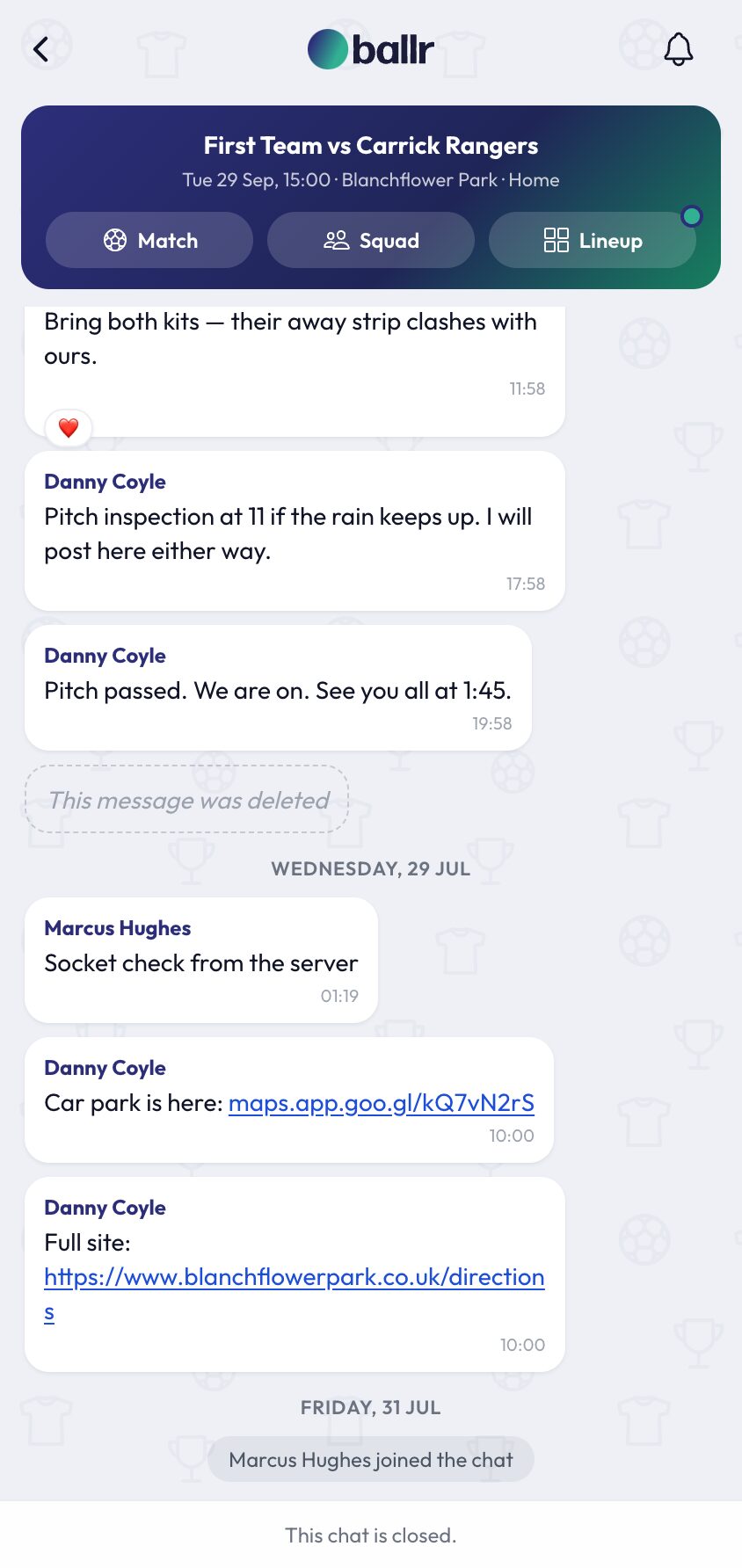
- 04
Keep anything you need before it goes
Download exports the full transcript of a chat. If something in there matters — an incident, a dispute, anything a club might need to show somebody later — export it while it is still there.
For most matches you will never do this. It exists for the ones where you wish you had.
A chat is created per match and is closed and archived once it has served its purpose, which is why the club feed is the place for anything you want people to be able to find later — see posting to your club feed.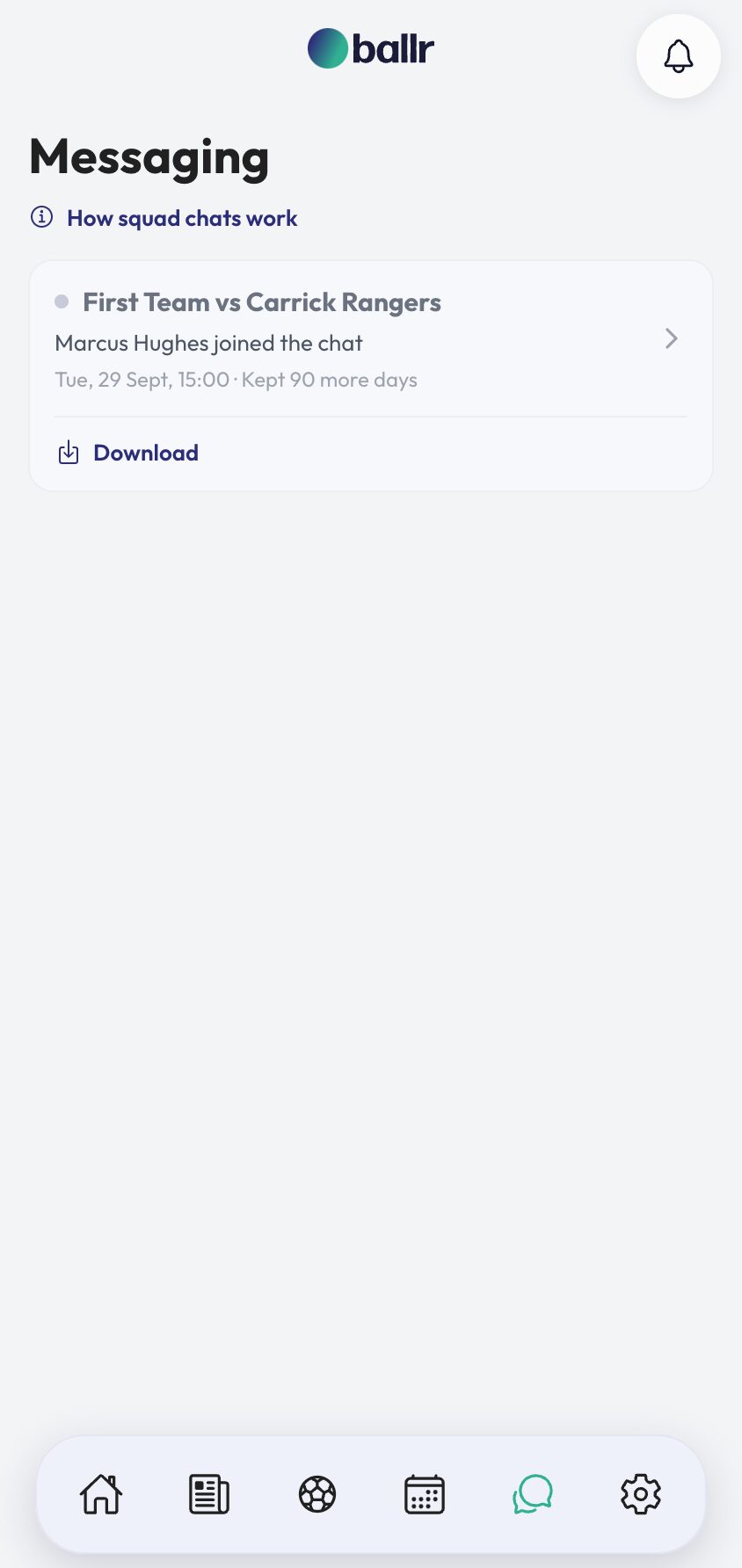


Video tutorial coming soon: a match week run entirely through the squad chat.
Questions
About this
guide.
Can players start their own squad chat?
No. A chat belongs to a match and appears when the squad for it is published. That is what keeps the list short enough to be useful.
What if I change the squad after publishing?
The chat follows the squad. A player added later joins it; a player dropped stops seeing it.
Can club staff post in any squad chat?
Yes. Owners, admins and managers can post in their club's chats whether or not they were named in the squad.
Do players need the app?
It is much better with it — push notifications, images, reactions. Squad chat is the one part of Ballr that genuinely works best installed.
Put it into action
Try it with your own squad.
Set your club up in about ten minutes and work through this guide with your real fixtures in front of you.