
Getting Your Players on the App
What a player actually sees, and how to get a squad using it without chasing anybody to install something.
For squads where three players will install anything you send them and the other thirteen will not.

Who this is for
- Managers rolling Ballr out to a squad for the first time.
- Coaches who want fewer reasons for a player not to reply.
- Clubs with a mix of very online and very offline players.
Before you start
- Players added with a phone number or email.
- Your first week ready to send.
- Realistic expectations — some of them will never install it, and that is fine.
Walkthrough
Step by step.
- 01
Know what a player sees
A player's home screen is short on purpose: their week with anything still unanswered, their upcoming matches, their goals and assists, and the latest club post.
There is no club management in it, no settings to get lost in, nothing to configure. The whole design assumption is that a player opens it, answers something, and closes it.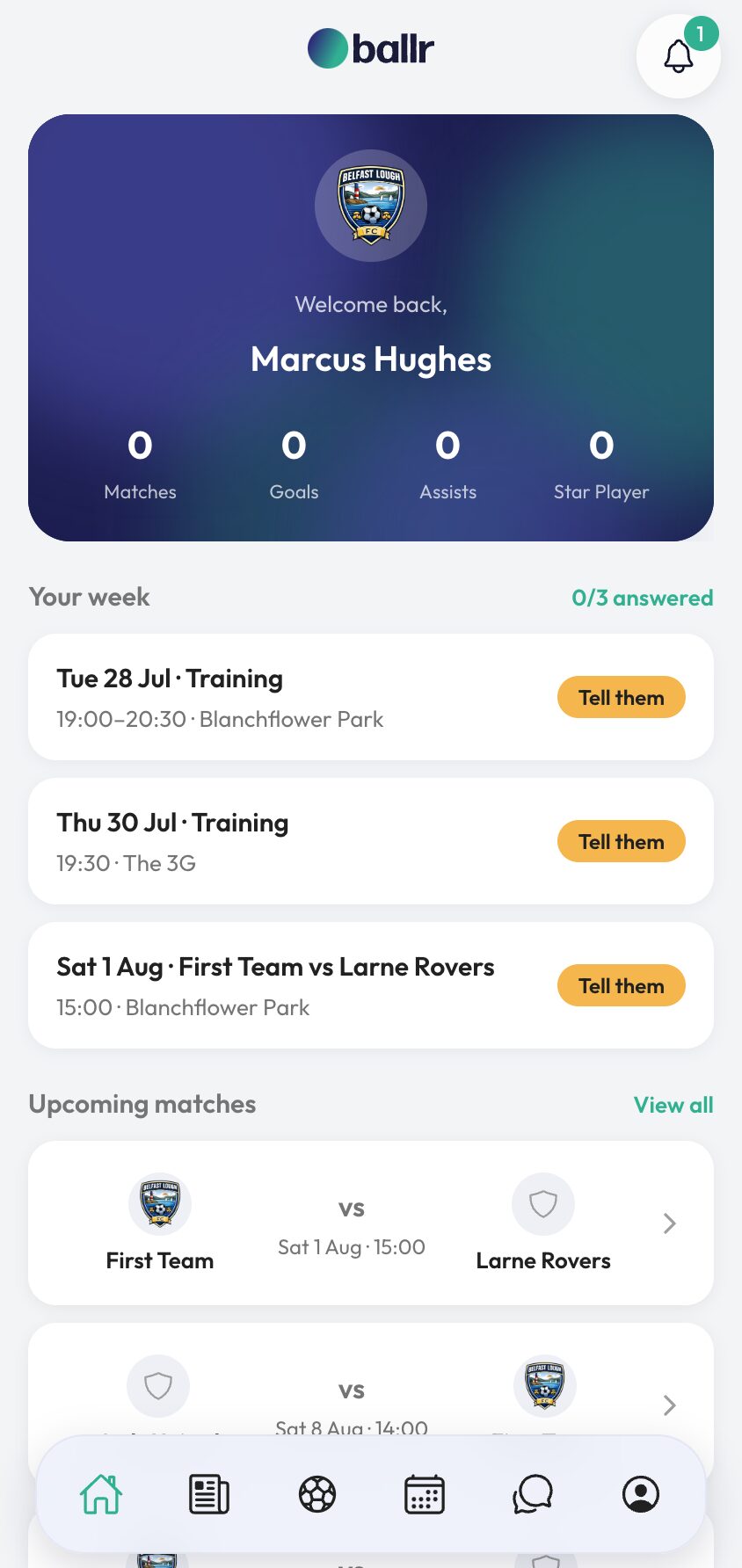
- 02
Their week is one screen
Every training session and every matchday in the week, each with In, Maybe and Out. They answer the lot and it saves as they go.
Sessions that have already started are shown but closed. Nothing has to be submitted at the end — a player who answers two rows and gets distracted has still told you about two rows.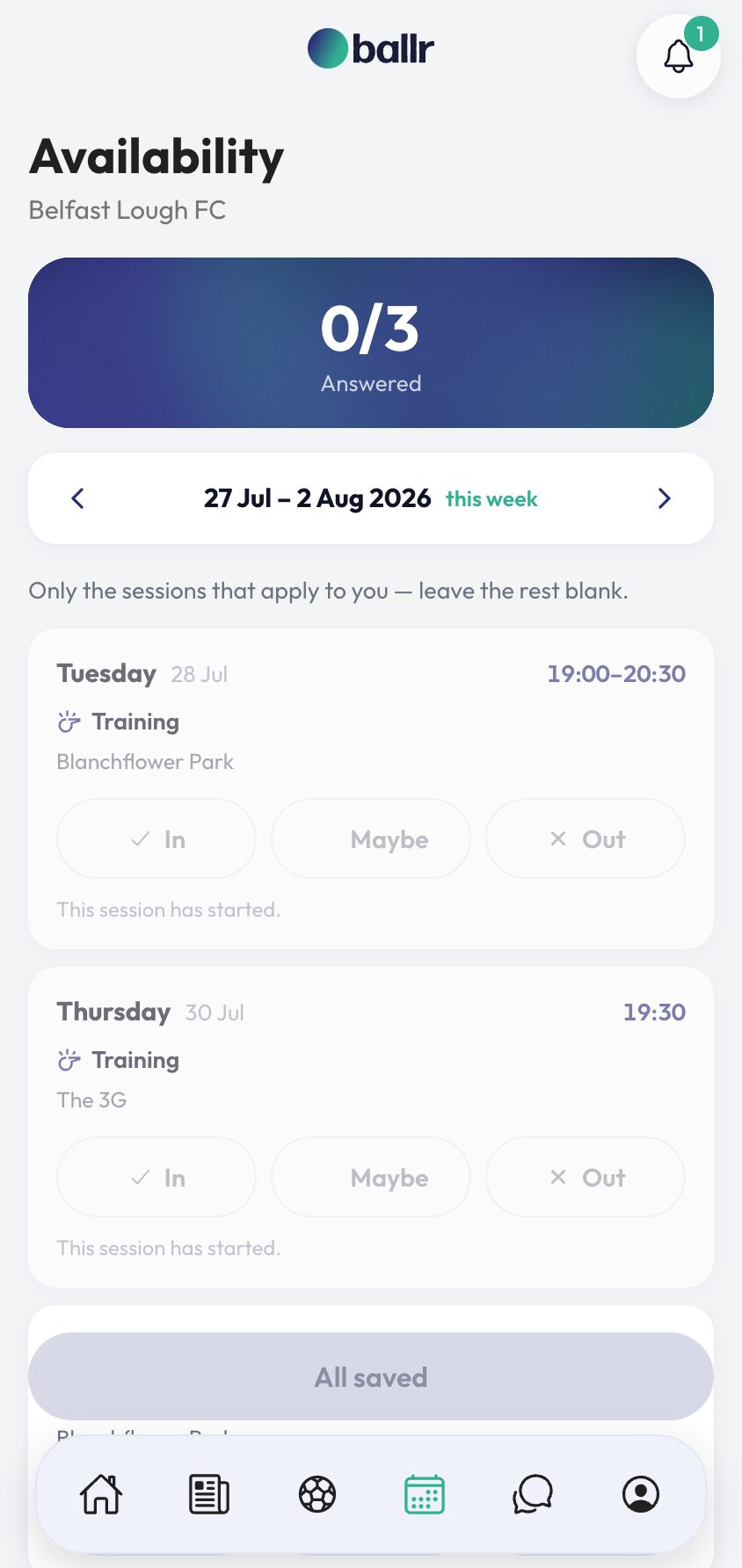
- 03
Installing is worth it, not required
Players who install the app get push notifications, squad chat, and their week a tap away. That is the version you want your squad on, and it costs them nothing.
Point them at the app and let it be. The best time to ask is the first week they get an availability request, when there is an obvious reason to.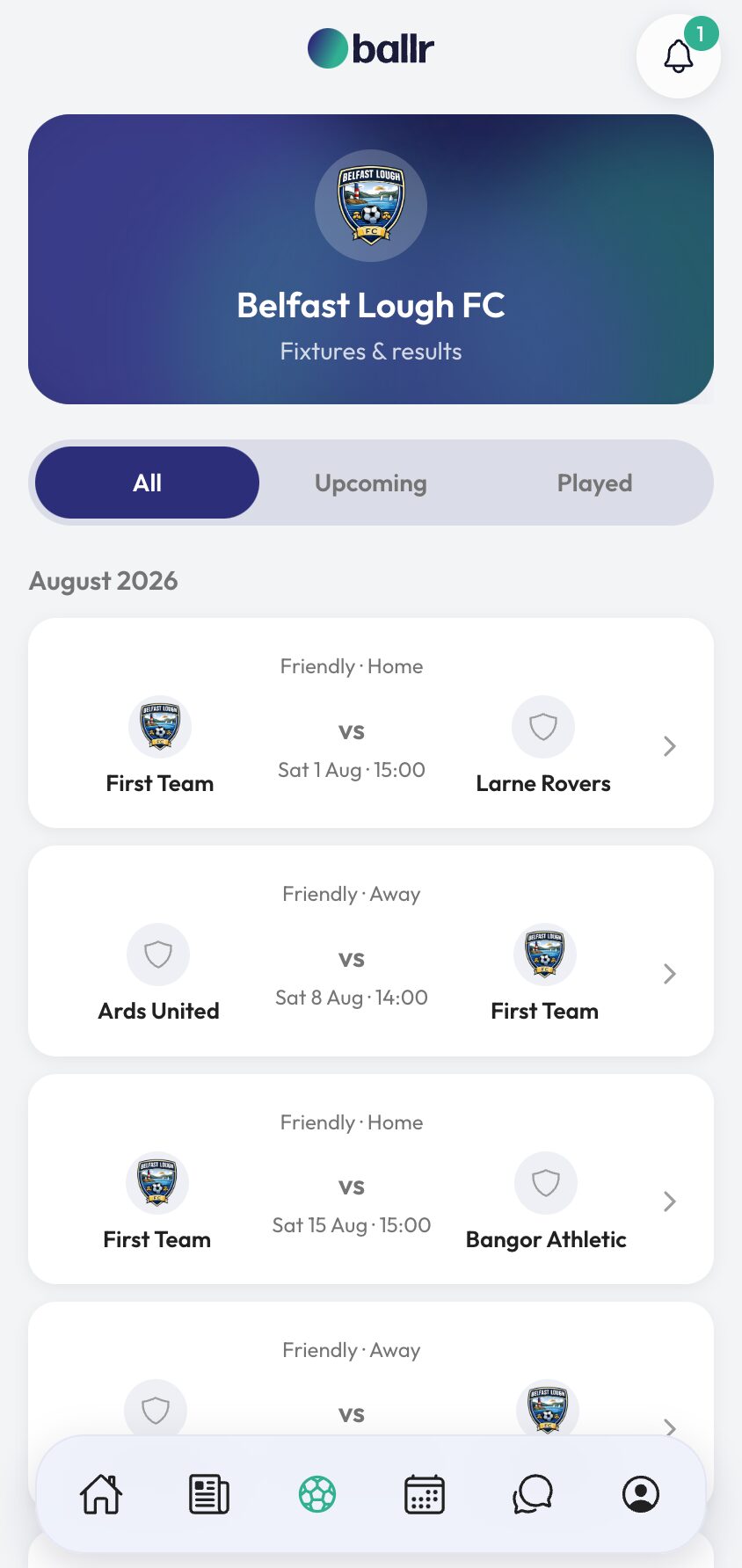
- 04
The ones who never will
They are still covered. Every availability request carries a link that opens their own week with no login and no app — the link itself identifies them.
So a player who deletes every app he installs still answers in two taps from a WhatsApp message. Which means you can roll Ballr out on a Monday without a single conversation about installing anything.
Players who do install it get push notifications, squad chats and their own stats — but nothing in the weekly availability ask depends on them having done so.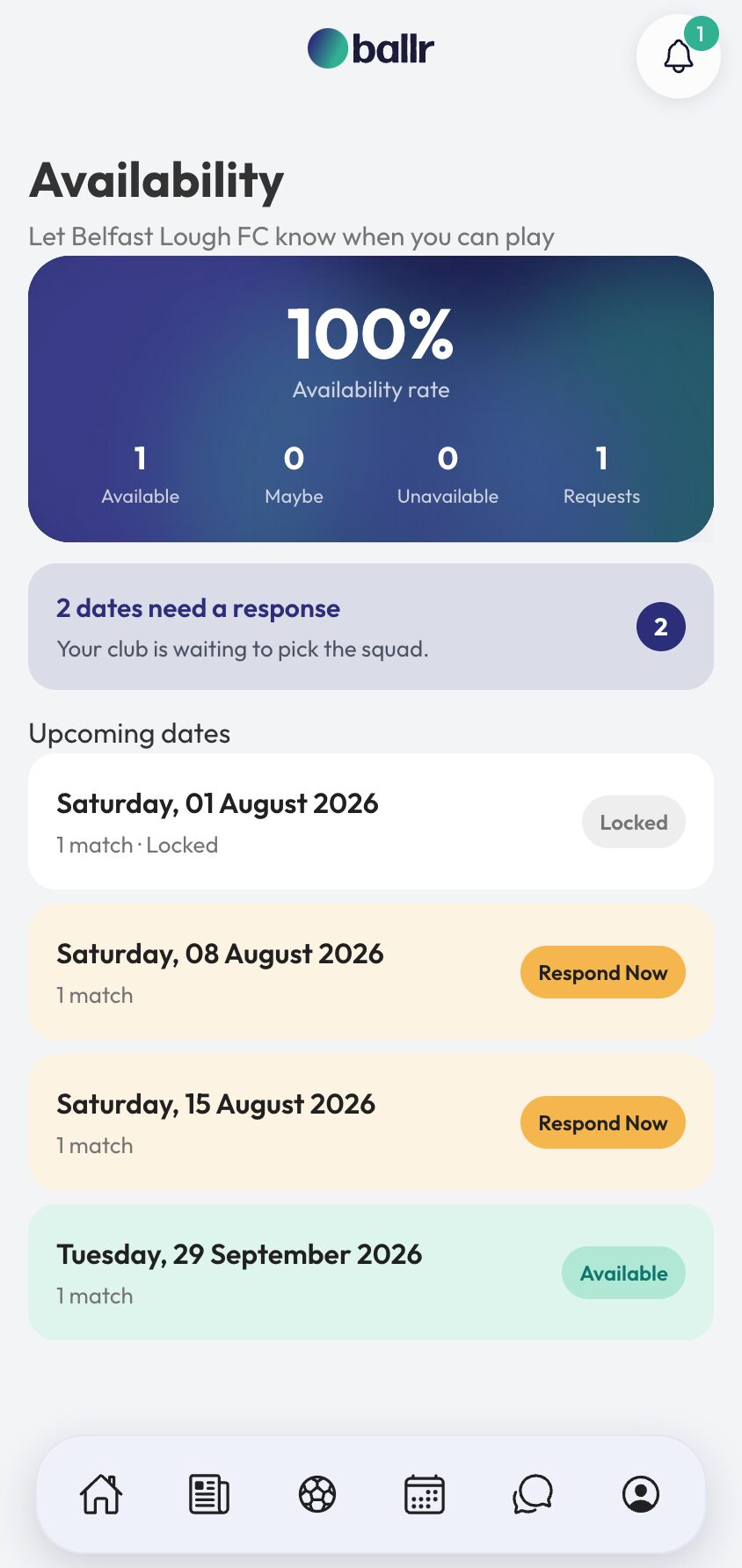


Video tutorial coming soon: a squad's first week on Ballr, from both sides.
Questions
About this
guide.
Do players need to create an account?
Not to answer availability. The link in their request works on its own. An account gets them the app, notifications and their own stats.
Will players with the app also get a WhatsApp?
No. A player who can be reached by push is not sent a paid WhatsApp saying the same thing.
Can a player see the rest of the squad's answers?
No. A player sees their own week. Who is in and who is out is a manager's screen.
How does a player get their own profile?
They sign up, find your club and claim their player record. You approve it, and from then on they keep their own details up to date.
Put it into action
Try it with your own squad.
Set your club up in about ten minutes and work through this guide with your real fixtures in front of you.