
Recording the Result
Score, goals, cards and the report — the twenty minutes after a match that feed the whole season.
For grassroots managers writing up a Saturday result on a Sunday morning, from a phone, with the notes app open.

Who this is for
- Managers and coaches recording results after the whistle.
- Secretaries keeping a season record that adds up.
- Clubs that want player stats without a separate spreadsheet.
Before you start
- The final score.
- Who scored, who assisted, and roughly when.
- Any bookings — these matter more than clubs expect at season end.
Walkthrough
Step by step.
- 01
Put the score in
Open the match and press Edit result. Both scores, save, done.
That is the only thing that has to happen. A match with a full scoreline marks itself as played — it leaves your upcoming list, joins the season record, and the win, draw or loss starts counting. There is no separate status to remember to set, because a club that has entered 3–1 has already told Ballr the match was played.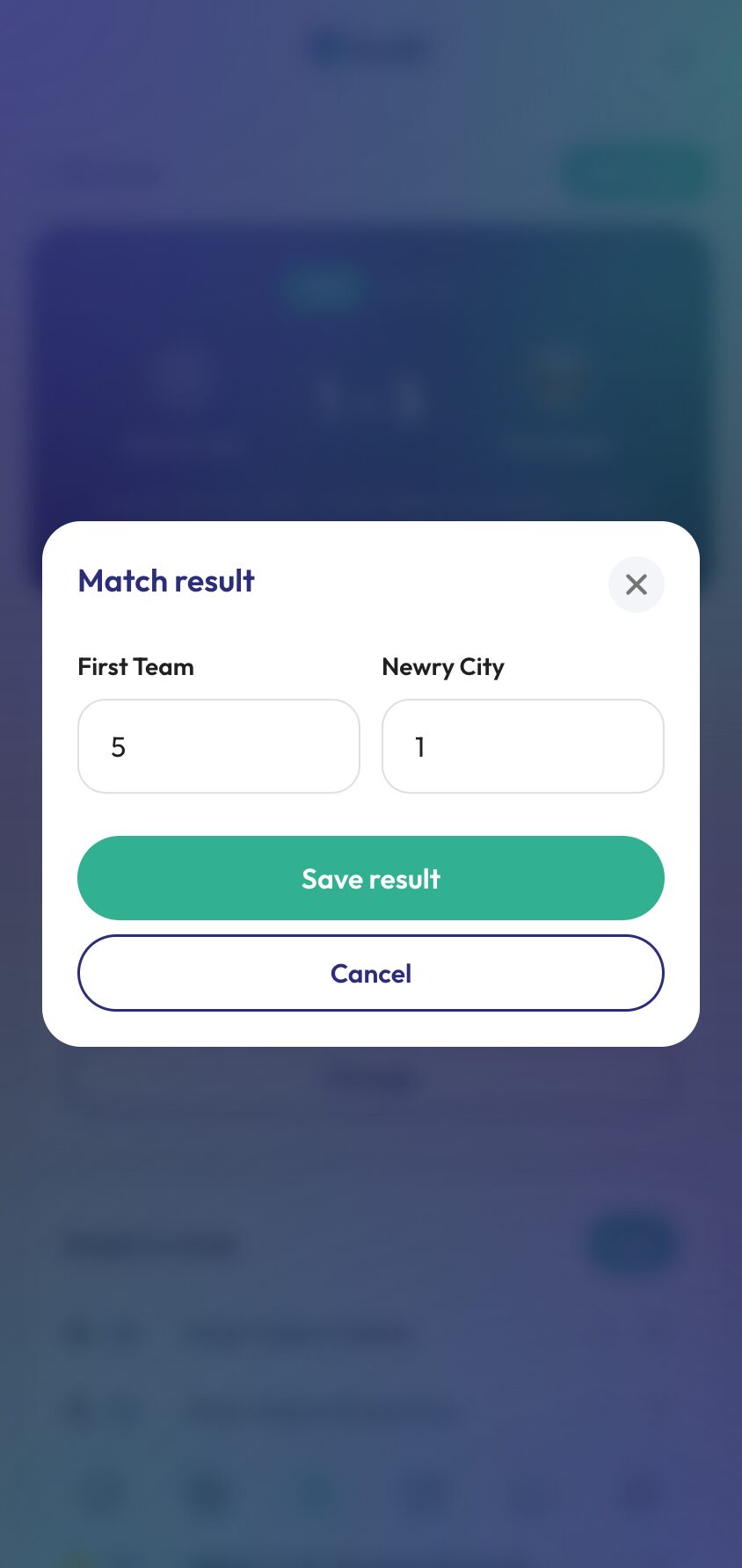
- 02
Log the goals and cards
Under Goals & cards, add each event with the minute and the player. An assist attaches to the goal it belongs to rather than sitting on its own line, so the timeline reads the way the match actually went.
Minutes do not have to be perfect. What matters is the order, because that is what the timeline shows and what a supporter reading it later is following.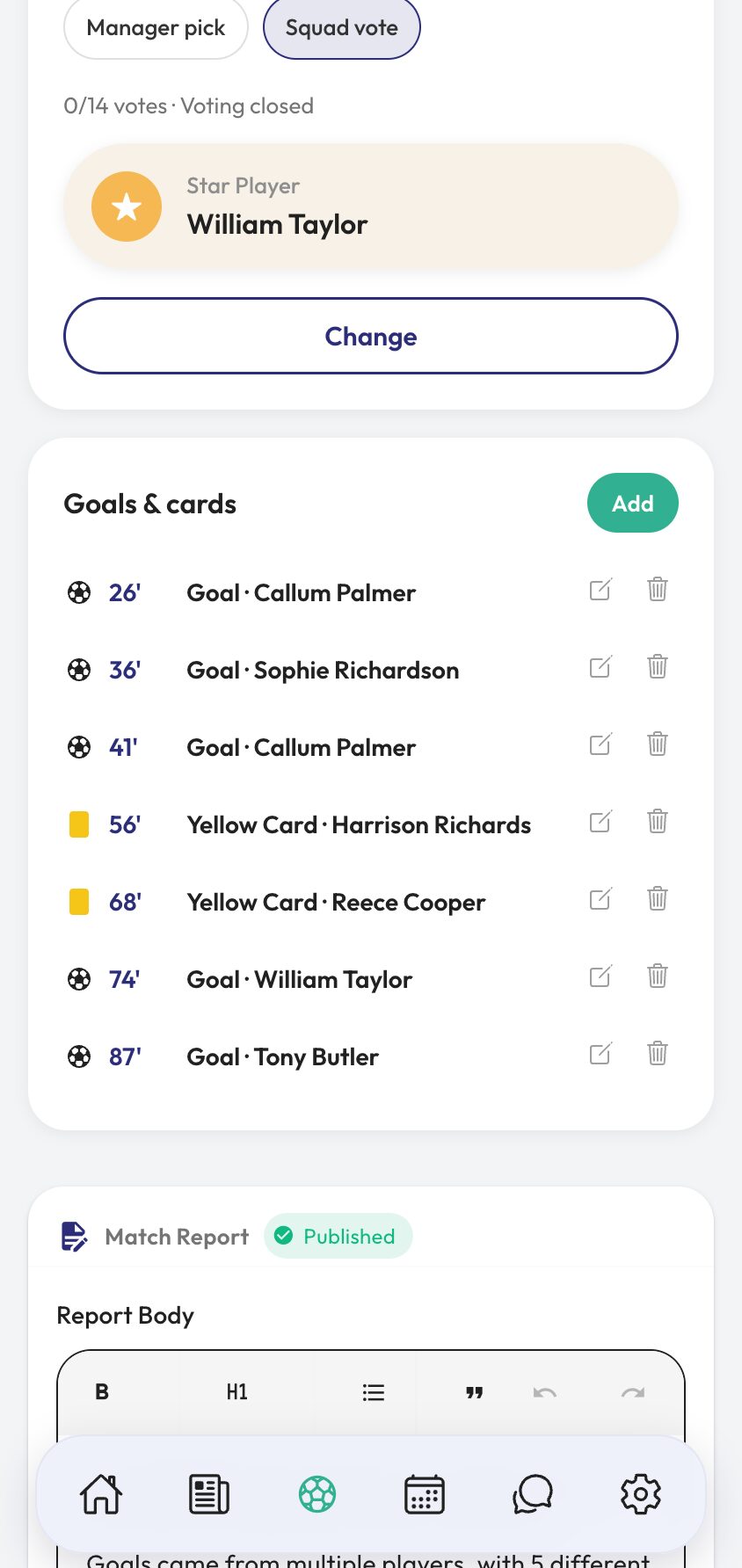
- 03
Settle the Star Player
The squad vote is on by default. It opens two hours after kick-off to the players who were in the squad, each getting one vote, and closes on its own — 24 hours after kick-off, or sooner once everyone has voted. If you would rather not run one for a particular match, switch it off from match admin before voting opens.
The winner is the match's Star Player: on the match page, on the graphic, in the squad chat and in the player's stats. It is the one that gets talked about in the group chat all week.
Separately, a card on the match screen lets you make your own pick after the game. That one stays within the club — the player you choose is told, the squad chat hears about it, and it shows as a tally on the stats pages. It never goes on the public match page or a graphic.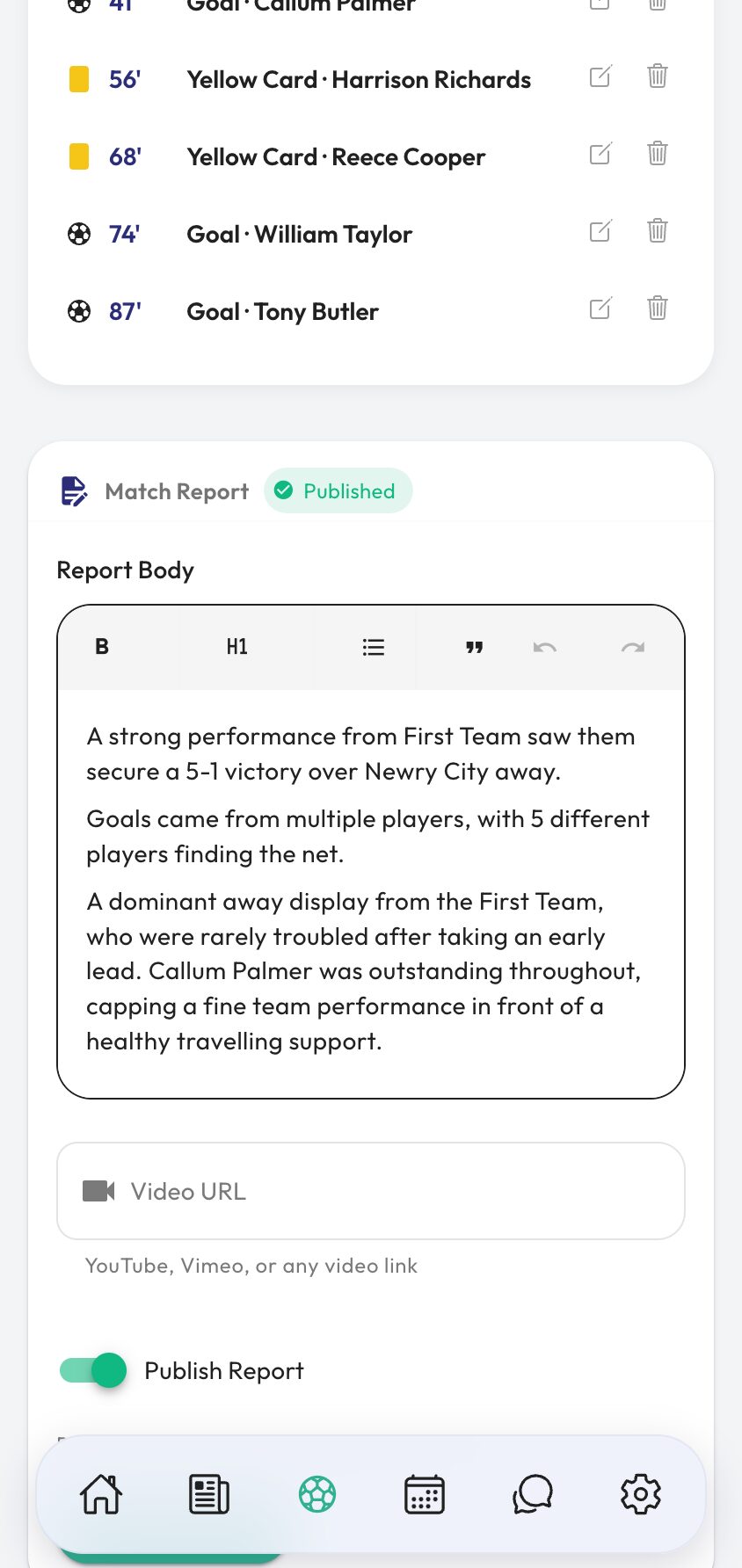
- 04
Write it up and publish
Ballr drafts the bones of a report from the result and the scorers, so you are editing rather than staring at an empty box. Add what actually happened — the ten minutes after half time, the debut, the save — and a video link if somebody filmed it.
Publishing puts it on your public club page and into the feed. Leave it unpublished and it stays internal, which is the right call for a game nobody wants written about.
Everything logged here lands in your season player stats, and the score unlocks the full-time result graphic for your socials.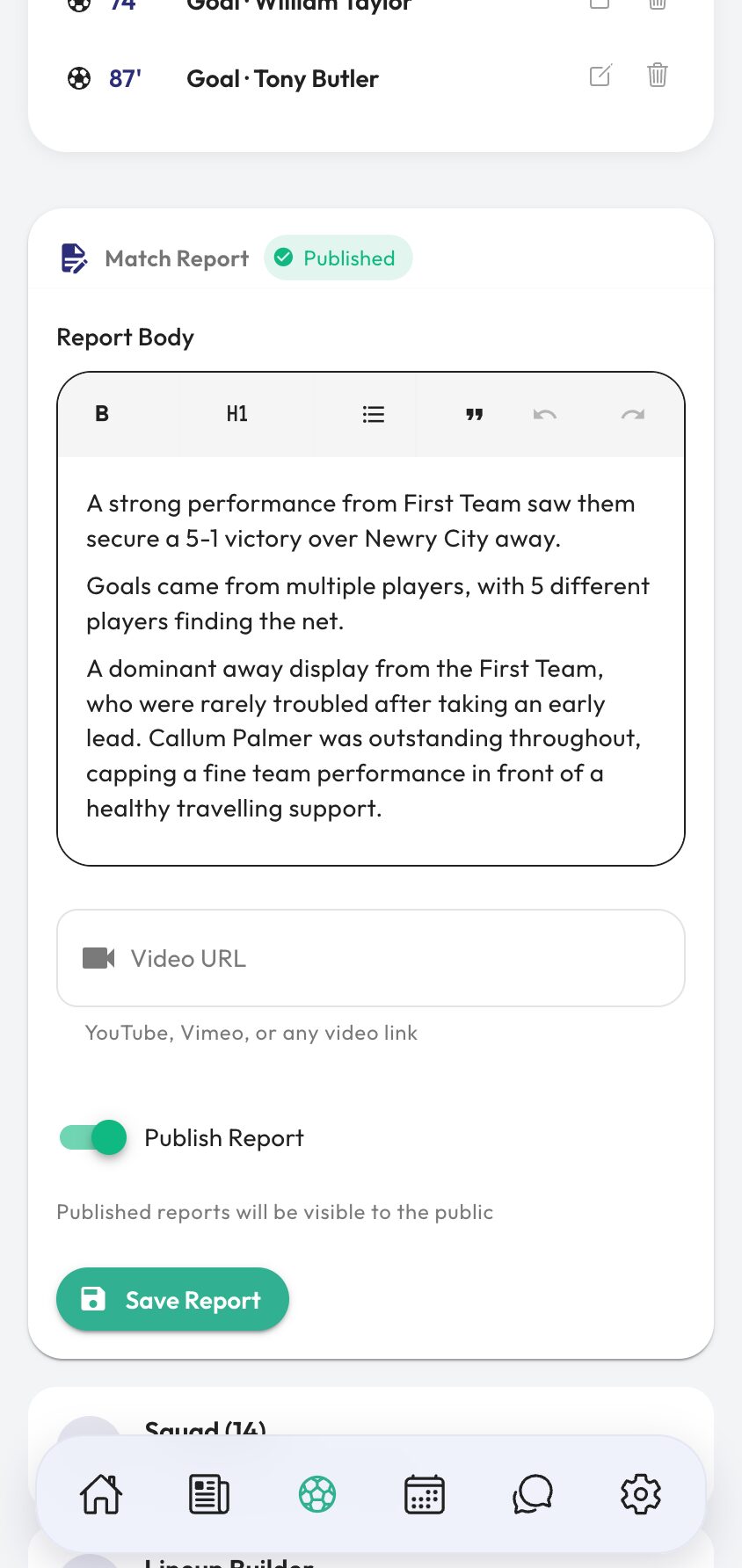


Video tutorial coming soon: a full post-match write-up in under ten minutes.
Questions
About this
guide.
Do I have to enter minutes for every goal?
You need something, but nobody is checking it against the referee's watch. Get the order right and the timeline reads correctly.
Can I fix a result after publishing it?
Yes. Edit the score or any event and everything that depends on it — the season record, player stats, the public page — follows.
Does an assist count as its own event?
No. It is attached to the goal it created, so the timeline shows one moment rather than two, and the assist still counts on the player's stats.
What if the match was called off?
Cancel it rather than deleting it. A cancelled match stops appearing as a live matchday for availability, and the fixture stays on record.
Put it into action
Try it with your own squad.
Set your club up in about ten minutes and work through this guide with your real fixtures in front of you.