
Your Club Profile and Branding
Badge, colours and links — the twenty minutes that make everything Ballr produces look like your club.
For grassroots clubs whose online presence is currently a Facebook page and a WhatsApp group.

Who this is for
- New clubs finishing setup after registration.
- Clubs about to share a public profile or lineup graphic.
- Page managers looking after how the club presents itself.
Before you start
- Your badge as a square image.
- Your two club colours.
- Your home venue, and the links you want people to follow.
Walkthrough
Step by step.
- 01
Upload the badge
In Club settings, add your badge as a square image. It appears on your public profile, on match pages, on social graphics and beside every post you publish.
Square matters. A wide crest in a circular frame loses its edges, and this is the one image that turns up everywhere.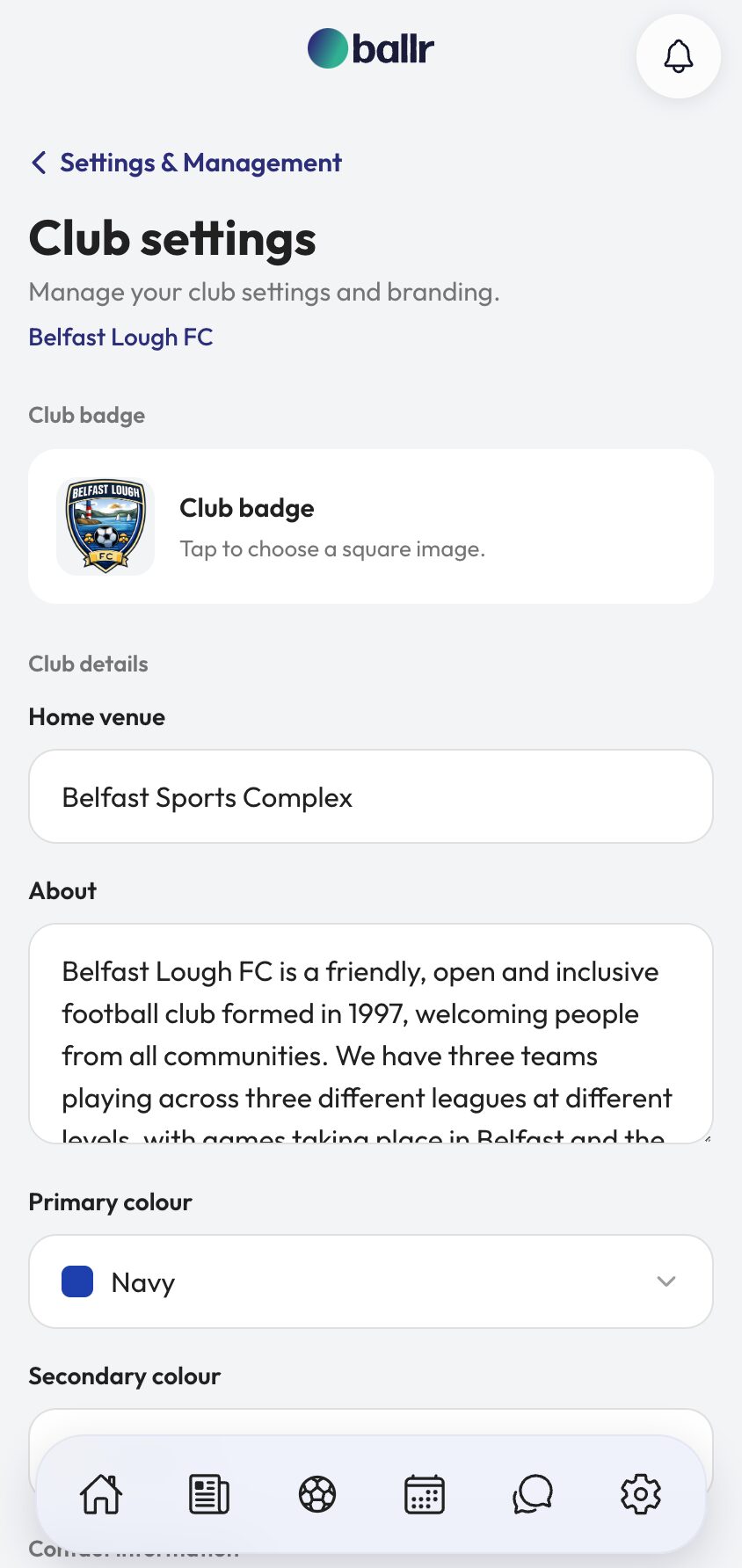
- 02
Set your two colours
Pick a primary and a secondary colour. These are not decoration — they are what lineup graphics and social graphics are drawn in, so a graphic you export looks like your club rather than like software.
Use the colours from the shirt. If you do not know the hex codes, pick the closest named colour and adjust once you have seen a graphic.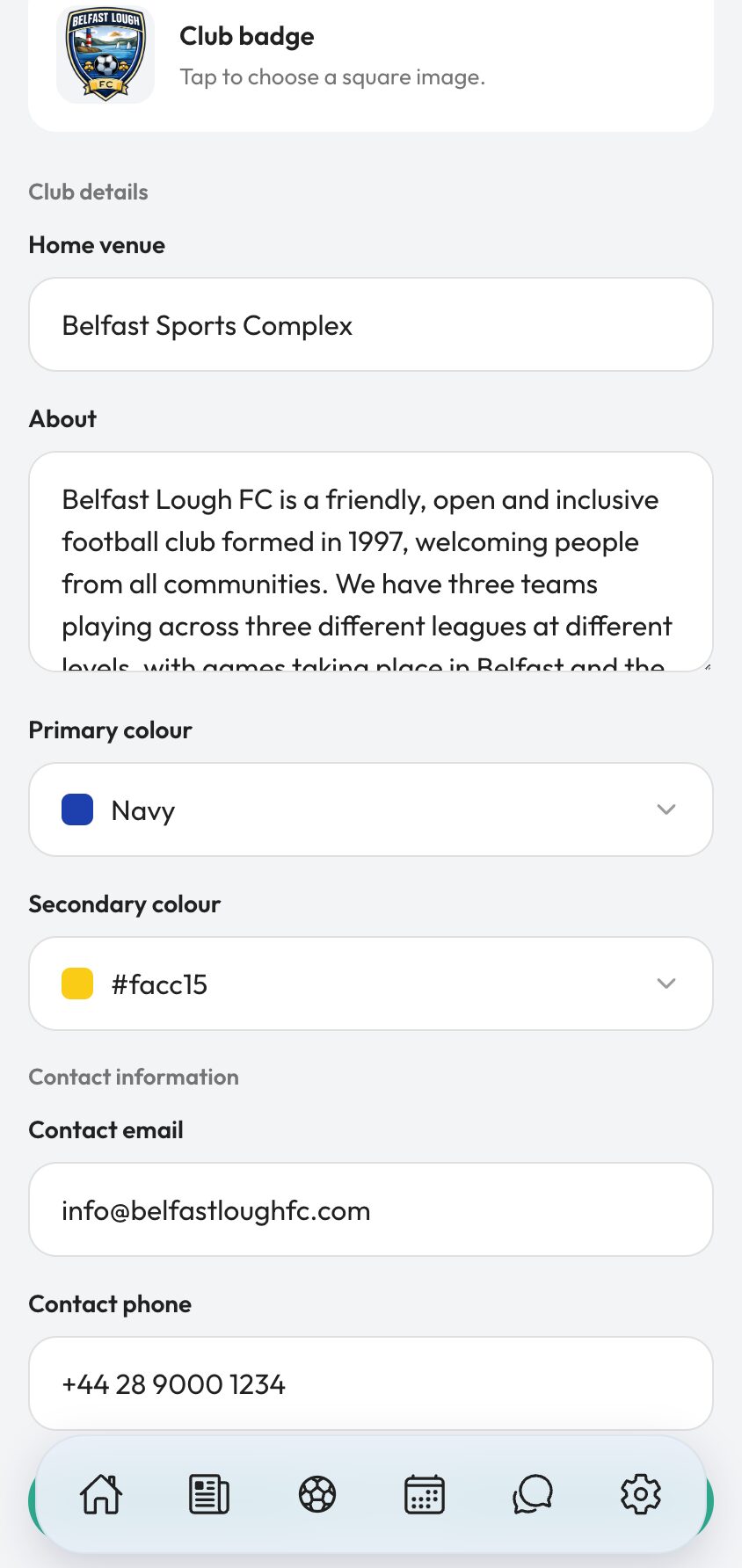
- 03
Fill in details and venue
Home venue, a short About, and a contact email and phone. The venue is used on fixtures and shared links, so a visiting side and a parent driving to an away game both end up in the right car park.
The About is what a stranger reads on your public profile. Two or three honest sentences beat a paragraph of history nobody finishes.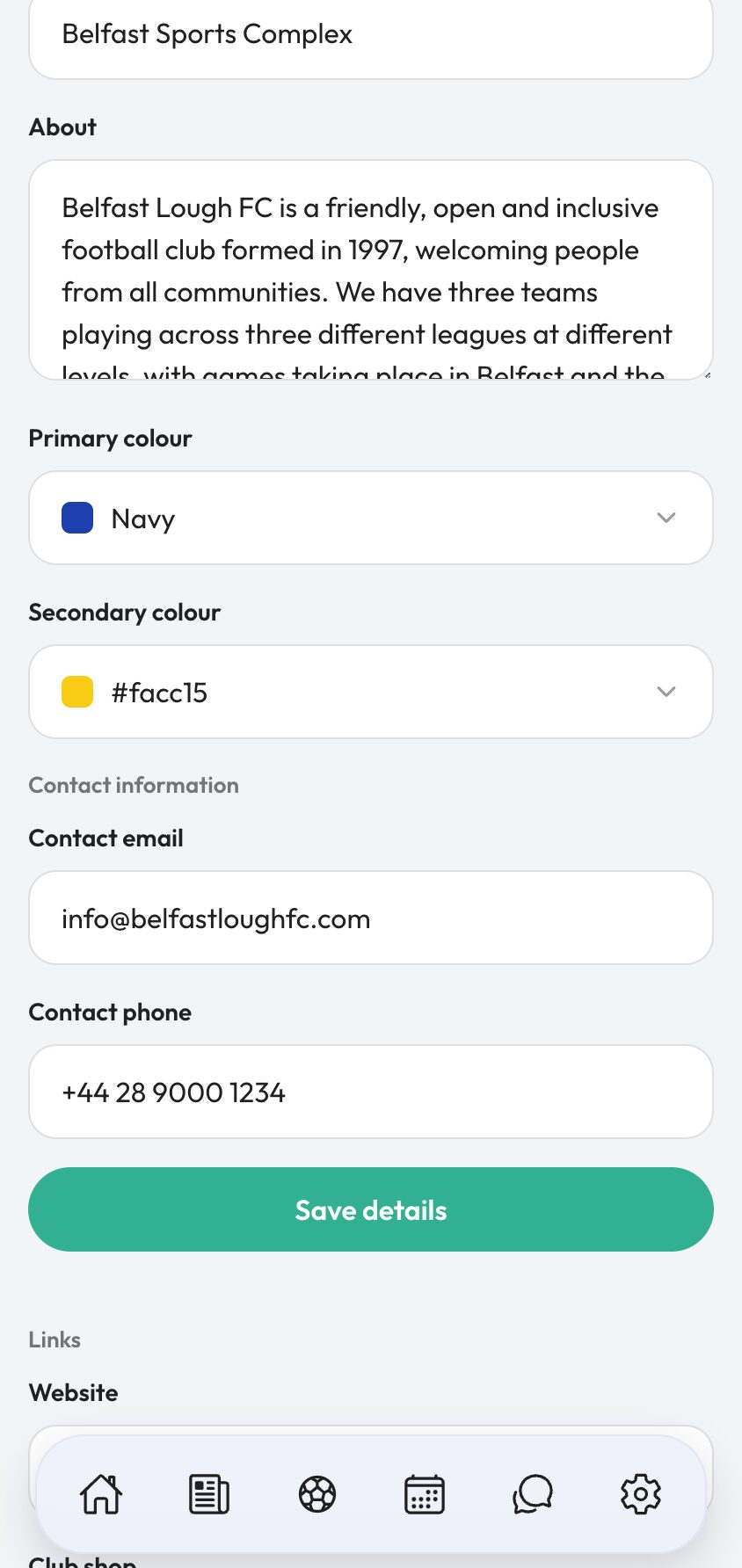
- 04
Add your links
Website, club shop, Instagram, X, Facebook, YouTube and LinkedIn. Whatever you actually keep up to date — an empty account linked from your profile is worse than no link at all.
These appear on your public club page, which is the page you can put in a bio, on a poster or in a league directory instead of sending people to a Facebook group they have to request to join.
The same profile carries your club feed, your fixtures and results, and your player stats, so one link is genuinely the whole club.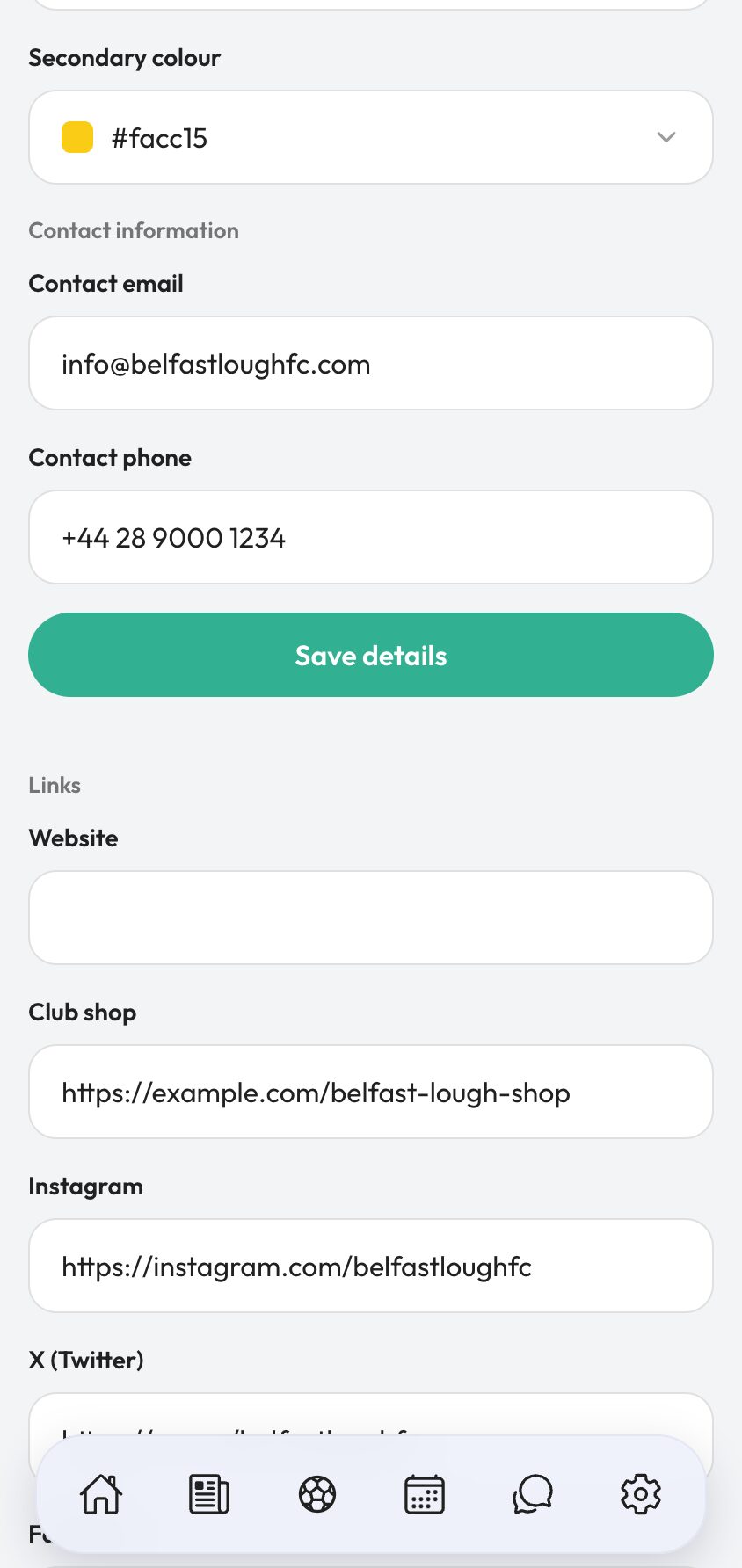


Video tutorial coming soon: taking a club from registered to presentable.
Questions
About this
guide.
Where does the badge actually show up?
Your public profile, match pages, feed posts, lineup graphics and social graphics. It is the single most reused asset in the whole account.
Can a page manager edit this?
Yes, for details and links. Season configuration is hidden from that role, so a content volunteer cannot change how your fixtures are grouped.
Do I need a website to use the links section?
No. Fill in the ones you have. For a lot of clubs a public Ballr profile is the website.
What size should the badge be?
Square, and as large as you have. It gets scaled down for small uses and up for graphics, and starting large is the only way both look right.
Put it into action
Try it with your own squad.
Set your club up in about ten minutes and work through this guide with your real fixtures in front of you.