
How to Add a Club to Ballr
Set up your football club account in minutes and get your first team online without a technical setup.
Built for grassroots clubs, including Northern Ireland grassroots football teams that need fast digital onboarding before the season starts.

Who this is for
- Club secretaries and team managers moving from spreadsheets to one platform.
- New clubs that need fixtures, player records, and communication in one place.
- Existing clubs that want to invite multiple admins and keep responsibilities clear.
Before you start
- A working email address you check regularly.
- Your club name, badge/logo, and home venue details.
- A list of coaches or volunteers who need admin access.
Walkthrough
Step by step.
- 01
Create an account via the club registration path
Go to Ballr registration, choose the club route, and sign up with your preferred email address and a strong password or use Google to sign in quickly. This account becomes the first club owner profile.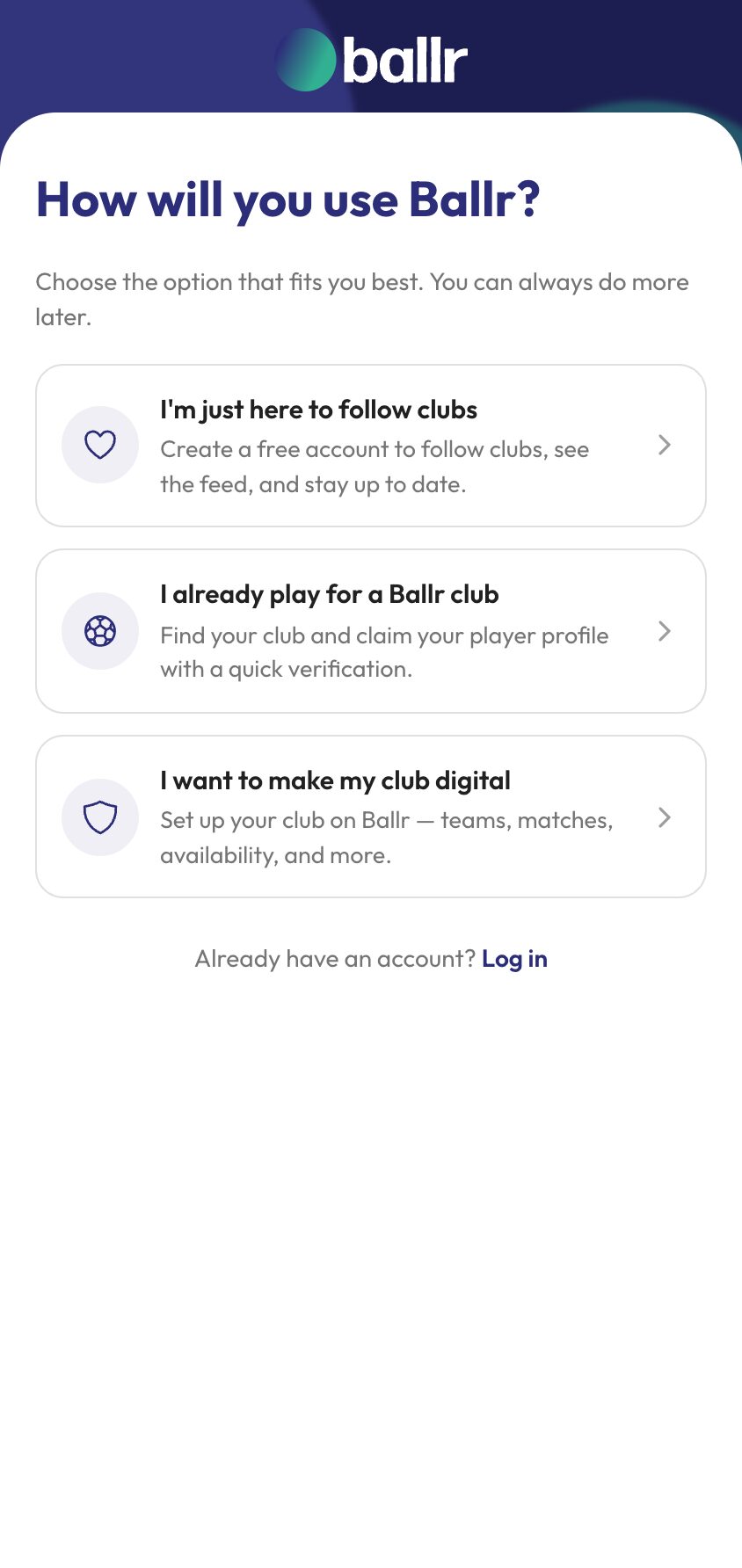
- 02
Complete your club profile
Follow our easy to use club onboarding wizard to add your club details like name, colours, contact info, social media accounts etc. Keep these details accurate because they power your public club profile and shared links.Your colours in particular do more work than they look like they will — they set the club profile, and they become the default on every matchday graphic you generate later. Setting up your club profile and branding covers the lot in detail.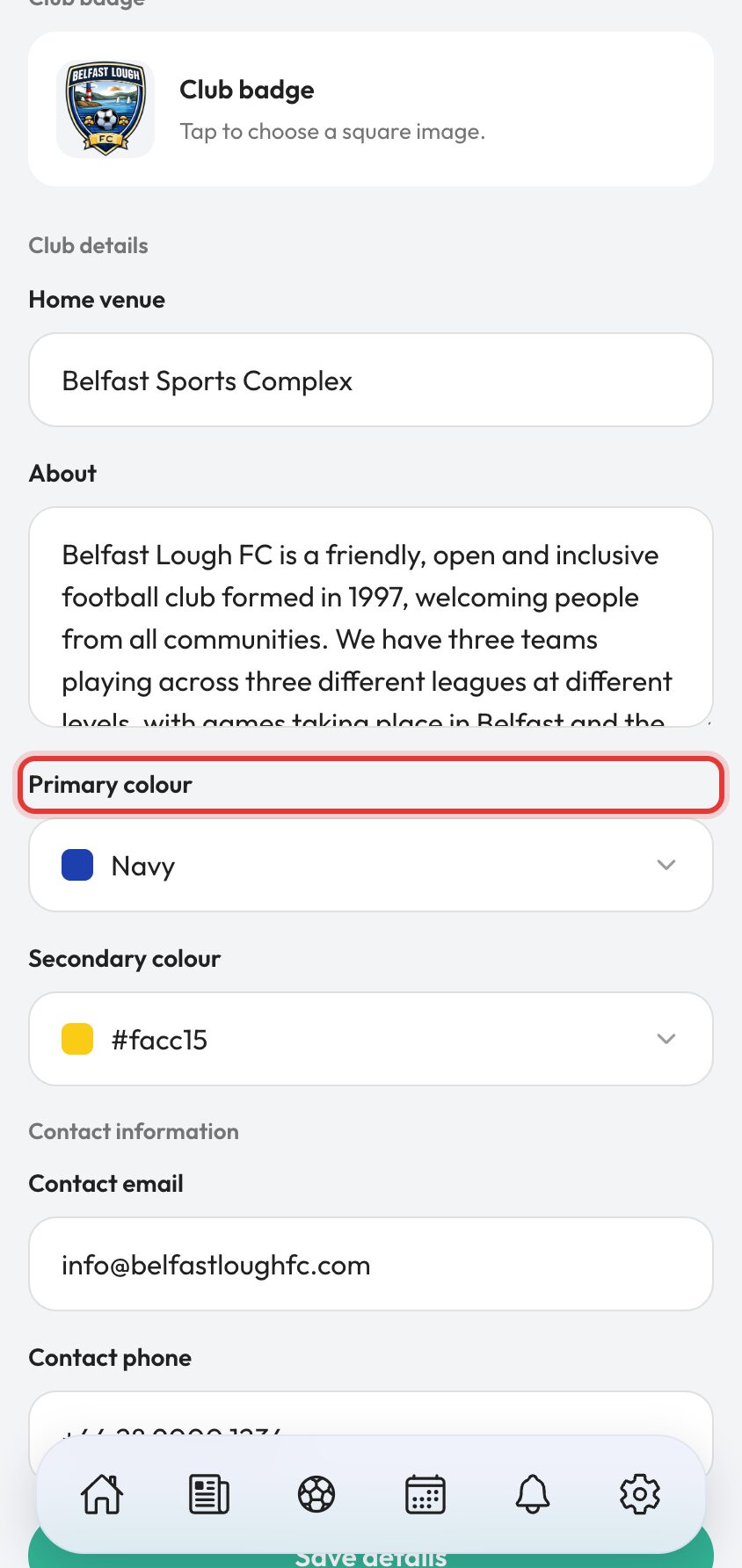
- 03
Invite other club admins and managers
Invite your club admins and managers to your club account, invitations are sent after you complete the wizard. They will receive an email invitation to complete their own profiles, they will automatically be added to your club account and assigned the appropriate roles and permissions.Invite more people than feels necessary. A club where one person holds every login is a club that stops working the week that person is on holiday. Who can do what is set by role rather than by trust, so see club roles and permissions before you decide who gets which.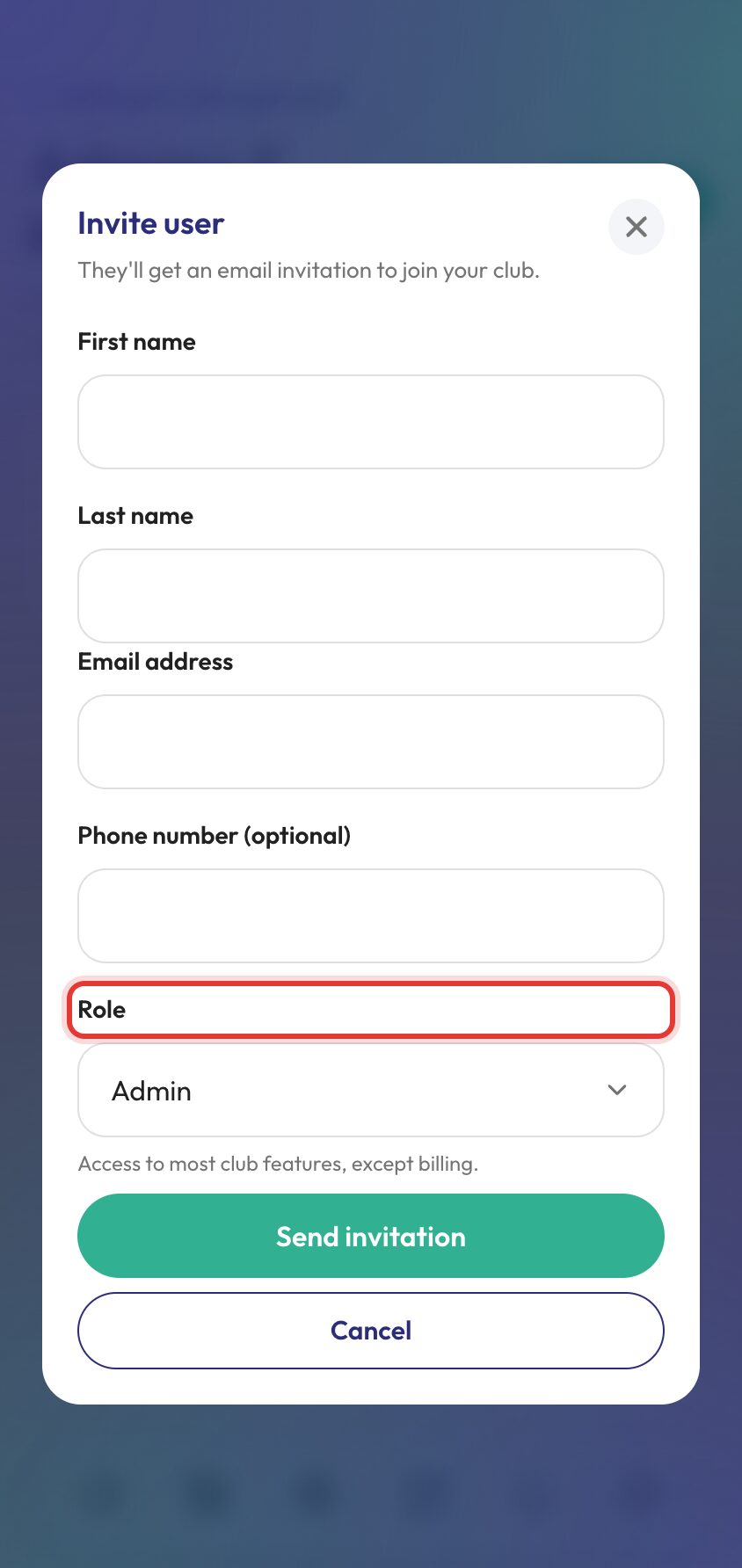
- 04
Choose a subscription plan
Ballr Core is free and includes all core features.Ballr Plus is a paid plan that includes additional features. You can upgrade your club to Ballr Plus at any time in your club settings. For larger clubs, Ballr MAX is available for custom setup after you create your account.Start on Core. It is free rather than a trial, so nothing expires and nothing stops working — and a club that has run a season on Core knows exactly which Plus feature it actually wants. Ballr Core vs Ballr Plus sets the two side by side.With the club created, the next job is adding your squad.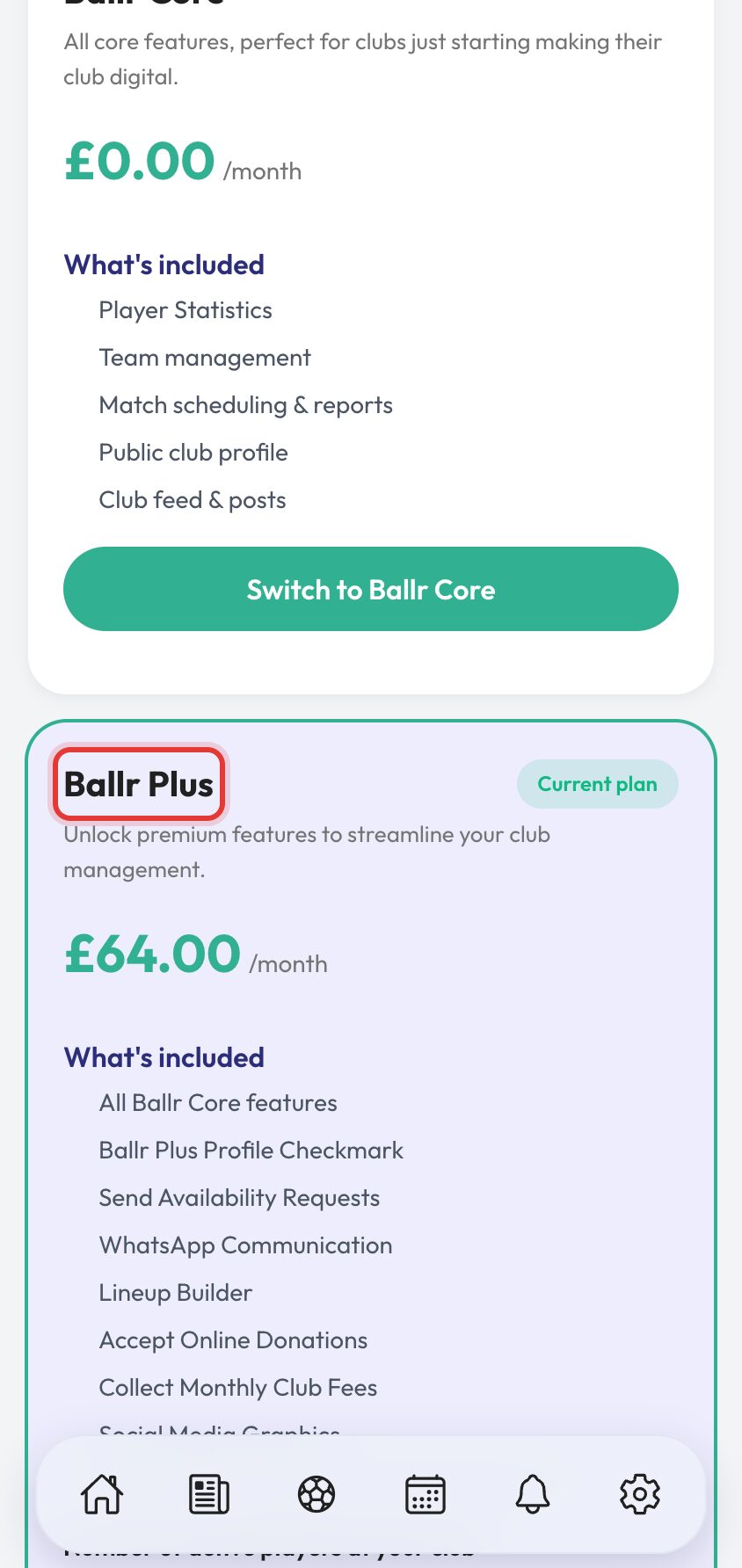


Video walkthrough coming soon: this page will include a full onboarding walkthrough with real club examples.
Questions
About this
guide.
Do I need a credit card to create a Ballr account?
No. You can create your club account and use core features without entering card details.
Can more than one person manage the same club?
Yes. Invite multiple admins and staff so duties can be shared safely.
Can I update club details later?
Yes. Club settings can be updated as your club grows or your structure changes.
How long does setting a club up actually take?
About ten minutes to have the club live, and an evening to have it useful. The wizard is the ten minutes; adding your squad and this season's fixtures is the rest, and it is worth doing in one sitting because everything else in Ballr is built on those two.
Put it into action
Try it with your own squad.
Set your club up in about ten minutes and work through this guide with your real fixtures in front of you.